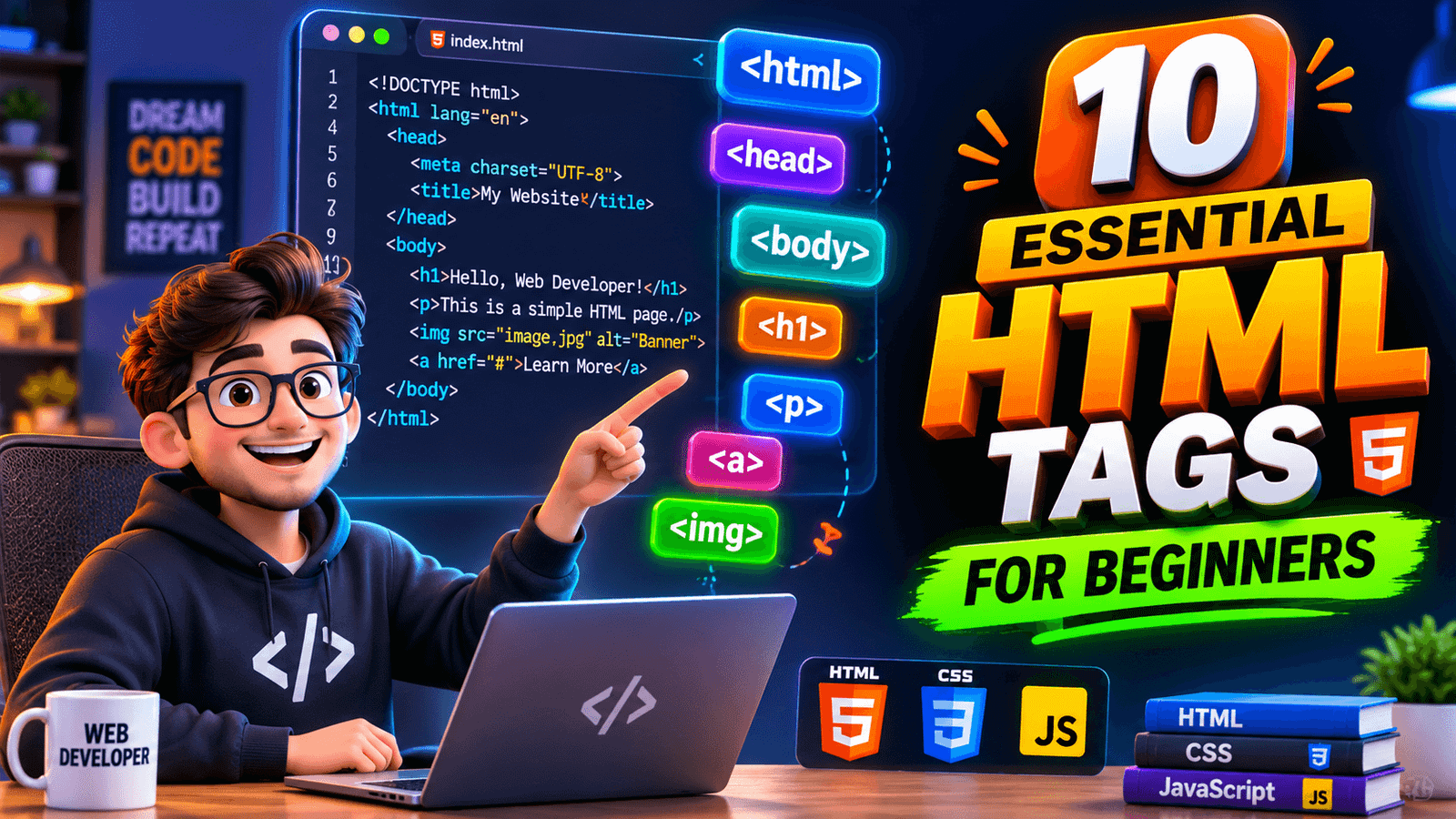
Starting your journey in front-end web development requires a solid understanding of fundamental elements. Learning these essential HTML tags for beginners allows you to structure webpages cleanly, improve site accessibility, and follow search engine optimization standards from day one.
Mastering these core components early makes learning CSS and JavaScript much easier. Here is a comprehensive guide to the top 10 core tags every fresher web designer must know.
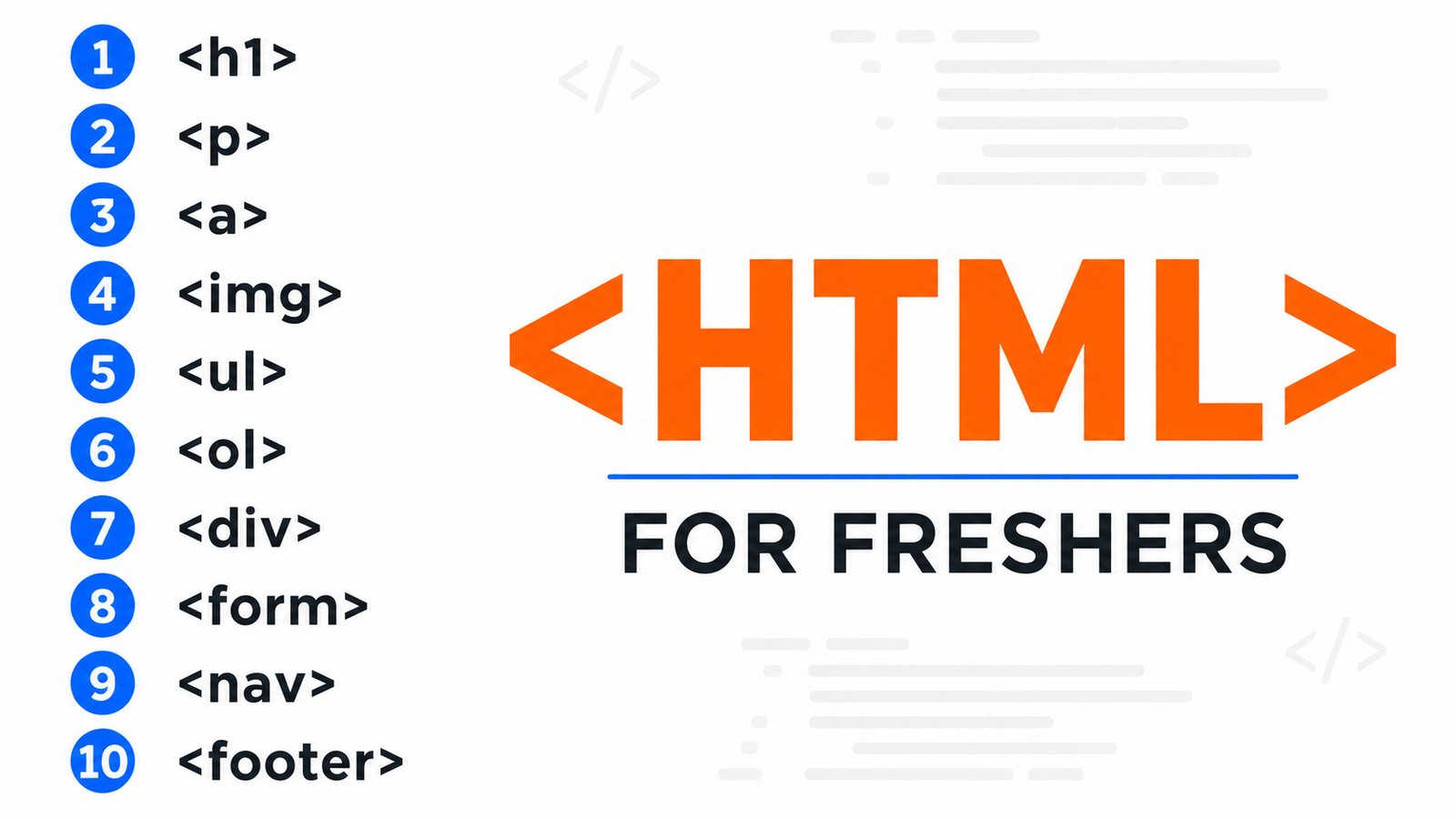
1. <!DOCTYPE html> and <html> — Essential HTML Tags for Beginners Document Setup
The <!DOCTYPE html> declaration tells the web browser which version of HTML the page is written in (HTML5). It is immediately followed by the <html> root tag, which wraps all the content on your page.
<!DOCTYPE html>
<html lang="en">
  <!-- Webpage content goes here -->
</html>- Best Practice: Always include the
lang="en"attribute inside the root tag to help search engines identify the primary language.
2. <head> and <body> — Page Structure Setup
An HTML document is split into two primary structural sections:
<head>: Contains metadata, character encoding, CSS stylesheet links, and the page title.<body>: Contains all visible content like headings, paragraphs, images, and links.
<head>
    <meta charset="UTF-8">
    <title>Essential HTML Tags for Beginners Guide</title>
</head>
<body>
    <h1>Welcome to My Website</h1>
</body>
3. <h1> to <h6> — Heading Tags in Essential HTML Tags for Beginners
Headings create a clear visual and structural hierarchy on your webpage. <h1> represents the main title of the page, while <h2> through <h6> represent subheadings of decreasing importance.
<h1>Main Topic Title</h1>
<h2>Sub-topic Heading</h2>
<h3>Detailed Point</h3>- SEO Tip: Use only one
<h1>tag per page to maintain clear structure for search engines.
4. <p> — Paragraph Tag
The <p> tag defines a block of text. Browsers automatically add vertical margins before and after each paragraph element to make content readable for students learning essential HTML tags for beginners.
<p>HTML is the standard markup language used to structure web pages cleanly and effectively.</p>5. <a> — Anchor (Hyperlink) Tag
The <a> tag creates hyperlinks connecting your webpage to other pages, internal resources, or external documentation.
<a href="https://developer.mozilla.org" target="_blank" rel="noopener noreferrer">Visit MDN Web Docs</a>- Usage Tip: Always use
rel="noopener noreferrer"when opening links in a new tab (target="_blank") for security.
6. <img> — Image Tag
The <img> tag embeds visual images into your document. It relies on two key attributes: src (image path) and alt (alternative text description).
<img src="assets/images/html-tags-guide.png" alt="Essential HTML tags for beginners visual breakdown diagram">- Accessibility Note: Include descriptive
alttext like “Essential HTML tags for beginners guide” to boost image SEO and screen reader performance.
7. <div> and <span> — Structural Containers
These non-semantic tags are used as generic containers for grouping and styling elements:
<div>: A block-level element that takes up the full available width.<span>: An inline element used to isolate small sections of text.
<div class="card">
    <p>This is a highlighted <span class="highlight">keyword</span> inside a container.</p>
</div>
8. <ul>, <ol>, and <li> — List Tags
Lists organize related information systematically:
<ul>: Unordered (bulleted) list.<ol>: Ordered (numbered) list.<li>: List item element used inside both list types.
<ul>
    <li>HTML5 Fundamentals</li>
    <li>CSS3 Styling</li>
    <li>JavaScript Basics</li>
</ul>
9. <header>, <nav>, <main>, and <footer> — Semantic Layout Tags
Modern HTML5 introduced semantic layout tags that clearly define structural sections for search engine crawlers.
<header>: Site banner or top navigation bar.<nav>: Main menu navigation links.<main>: Primary unique content area of the document.<footer>: Copyright details and contact links.
<header>
<nav>
<a href="/">Home</a>
<a href="/about">About Us</a>
</nav>
</header>
<main>
<p>Main content area.</p>
</main>
<footer>
<p>© 2026 Web Design Guide. All Rights Reserved.</p>
</footer>10. <form>, <input>, and <button> — Interactive Form Elements
To collect user inputs (such as contact forms or search bars), form tags are critical components in front-end development.
<form action="/submit" method="POST">
    <label for="email">Email Address:</label>
    <input type="email" id="email" name="user_email" placeholder="Enter your email" required>
    <button type="submit">Submit</button>
</form>
Conclusion
Mastering these essential HTML tags for beginners provides a solid base for any web design project. Check out our Blogs to learn more about our web development tutorials, or read external documentation on MDN Web Docs HTML Guide for advanced tag specifications.